
















ELITE Privacy
Your screen, for your eyes only.
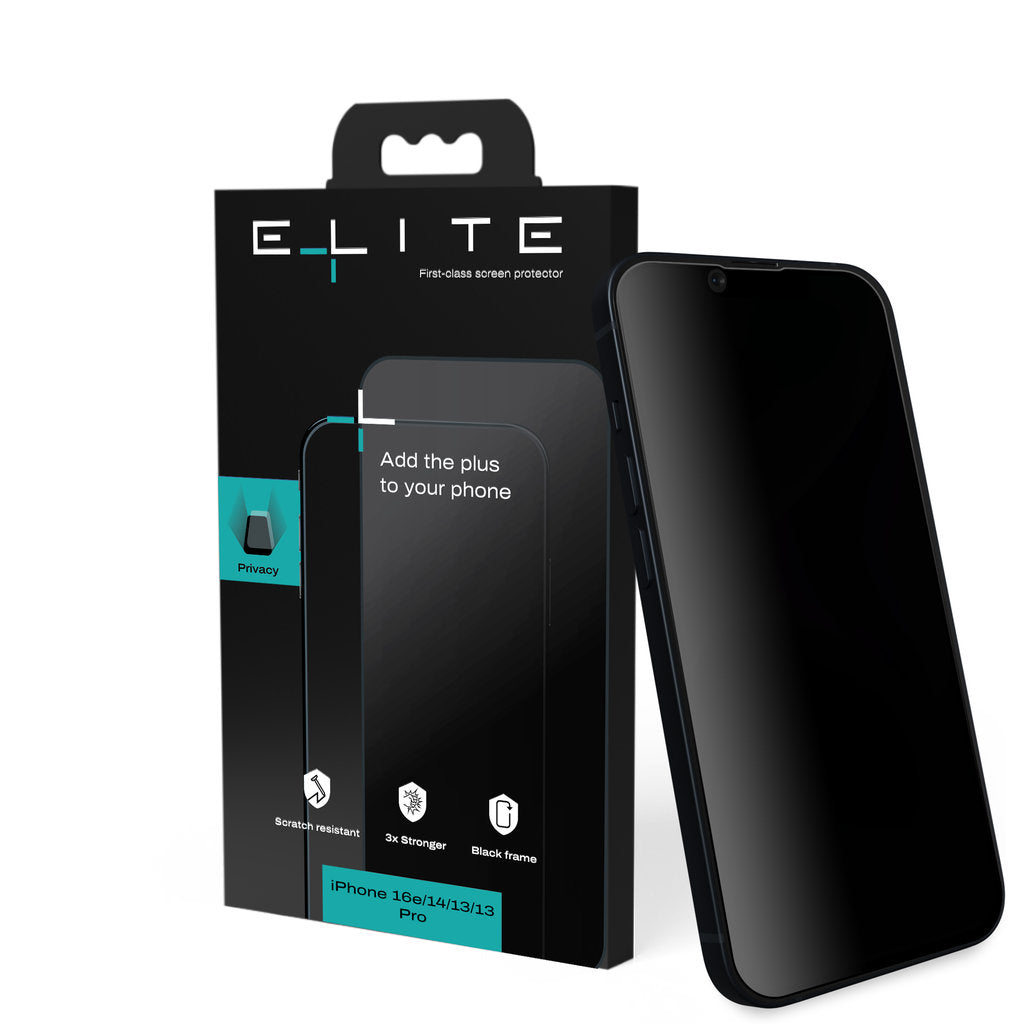
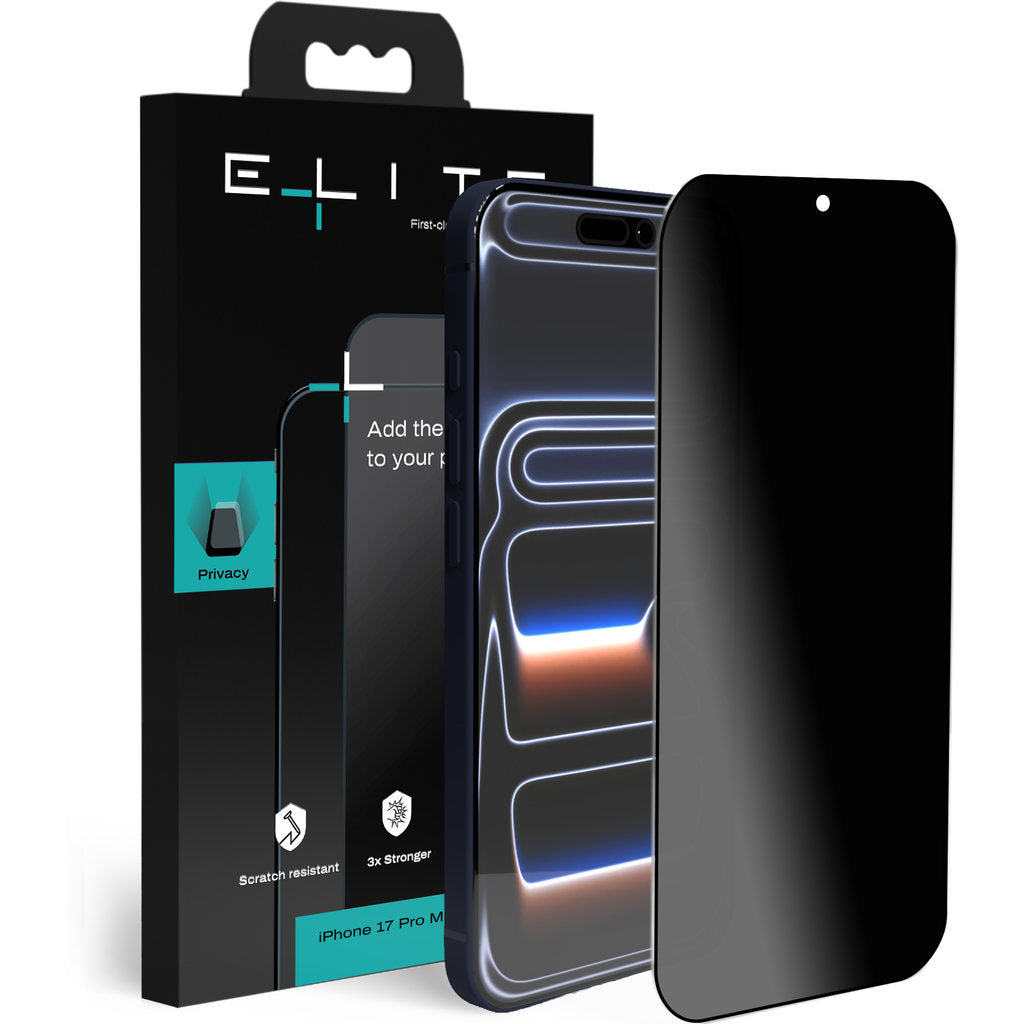
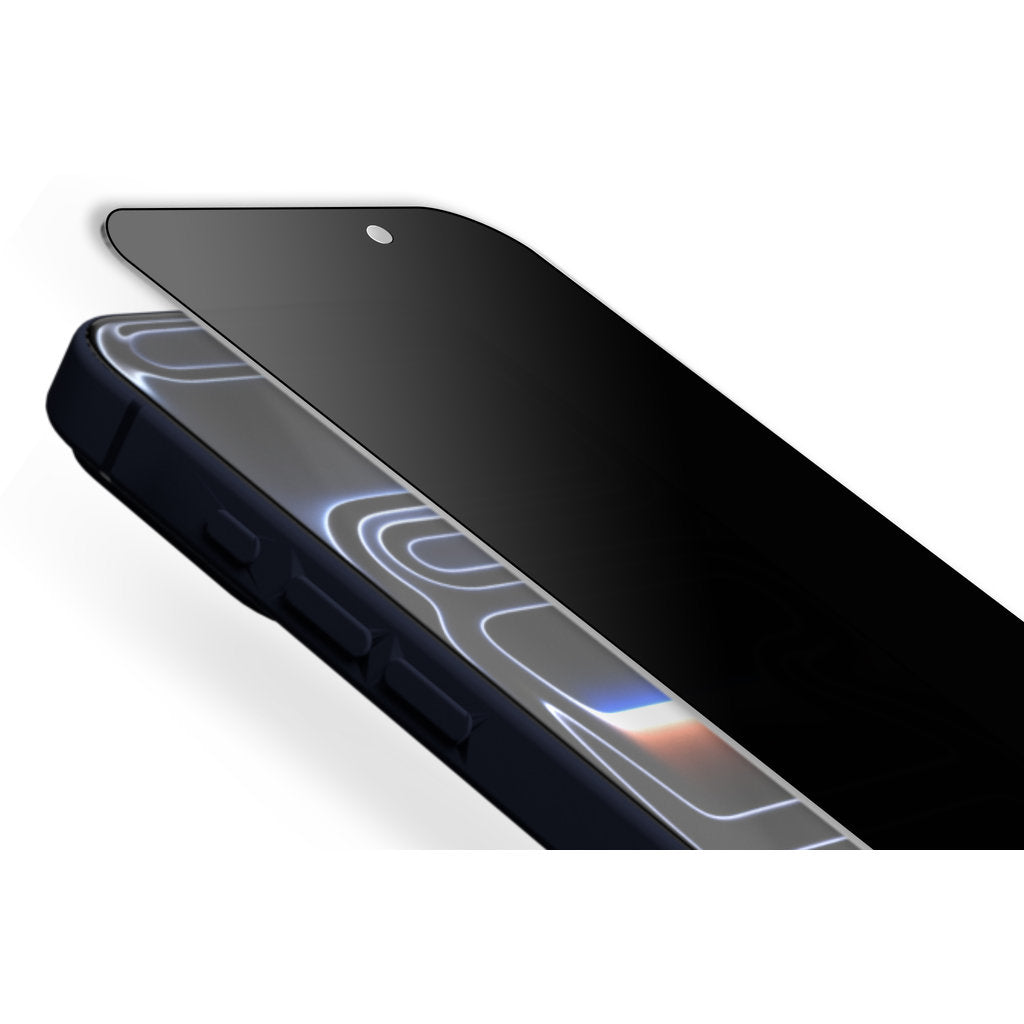
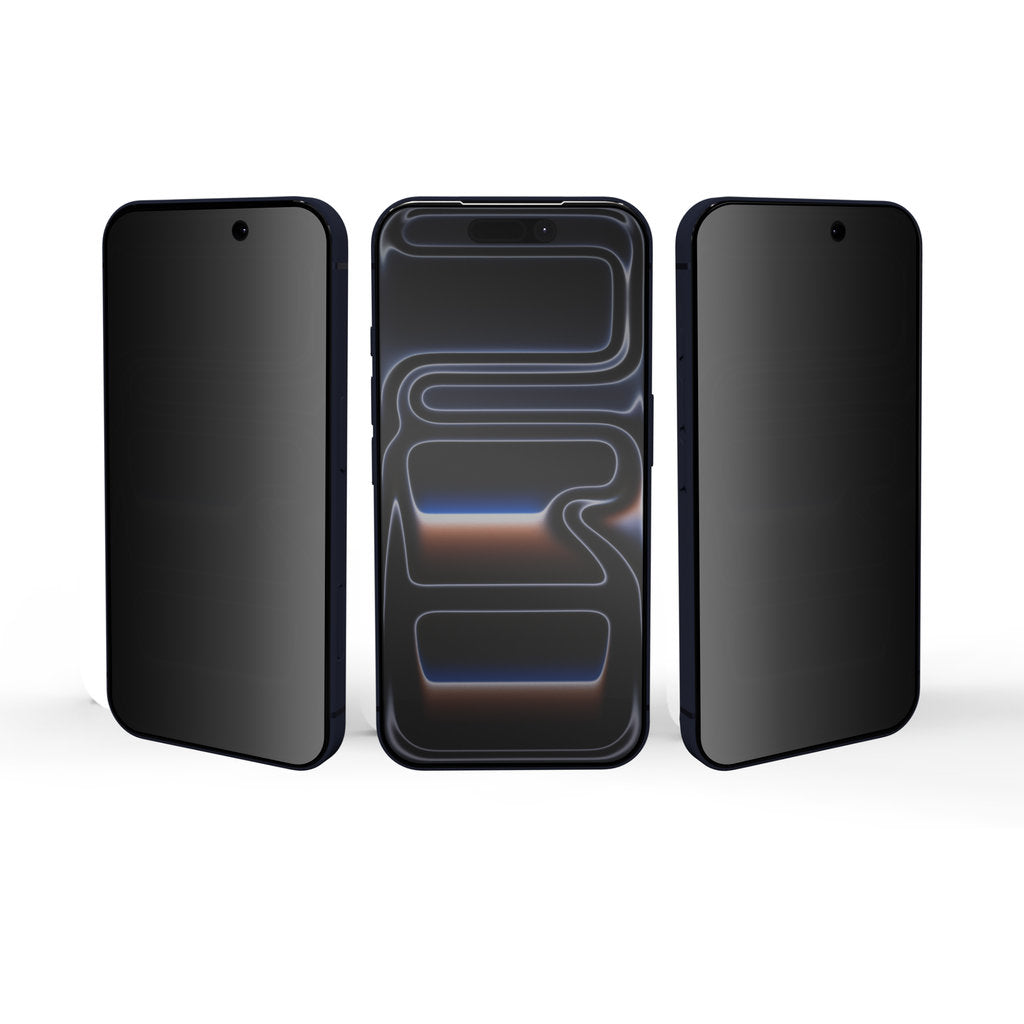
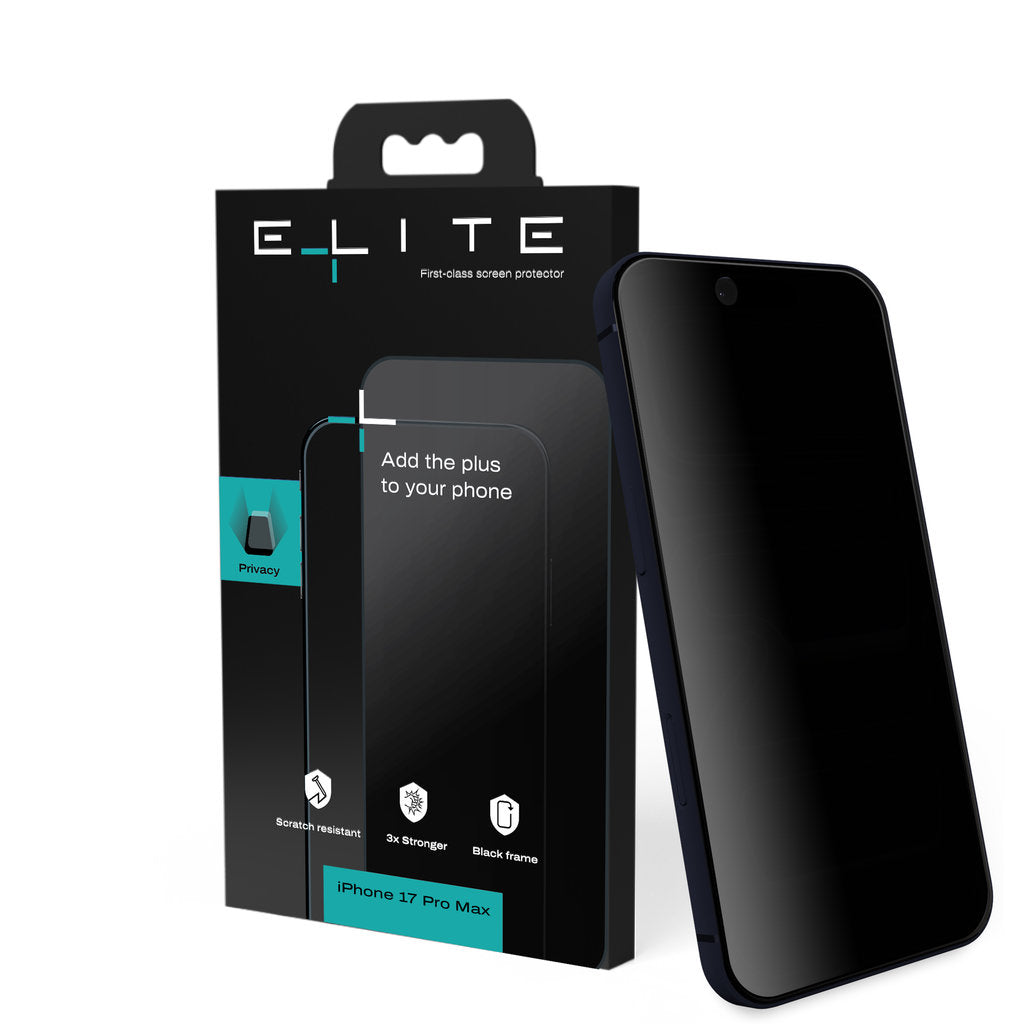
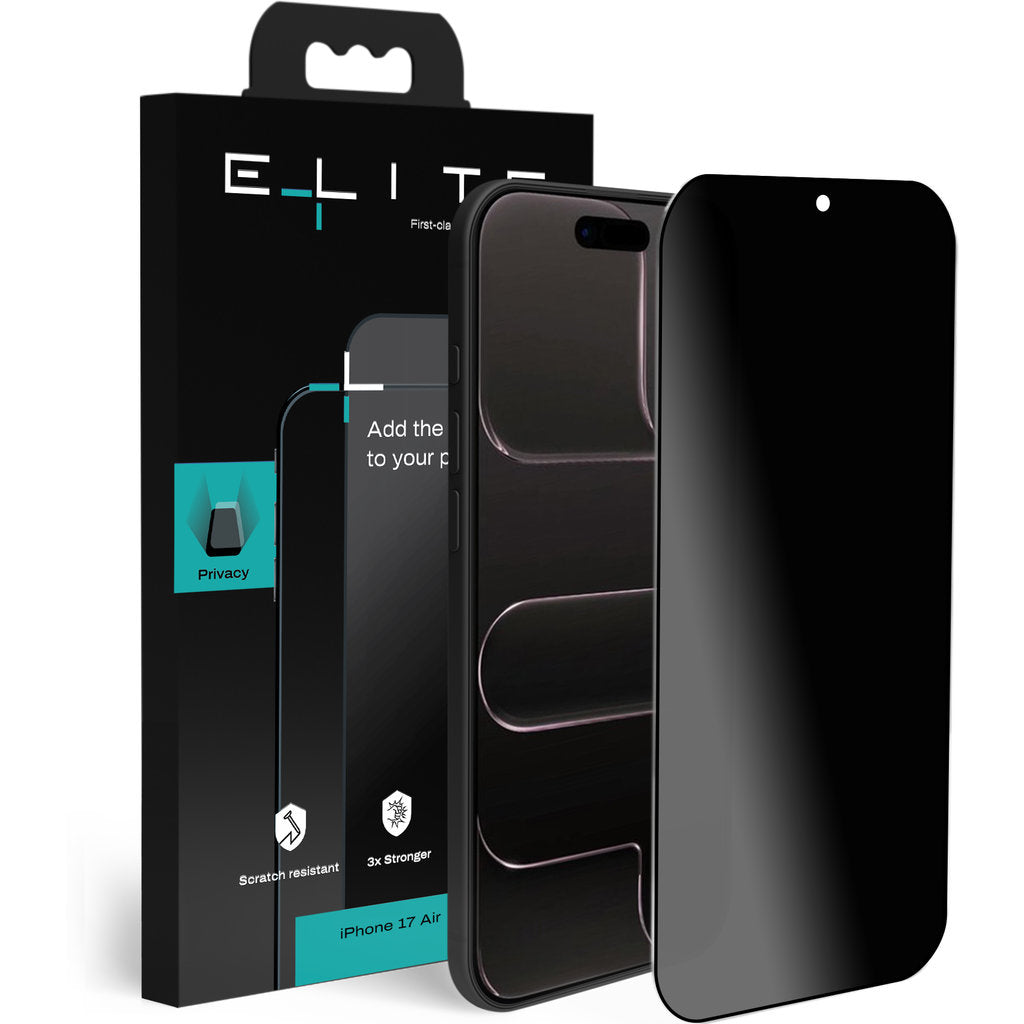
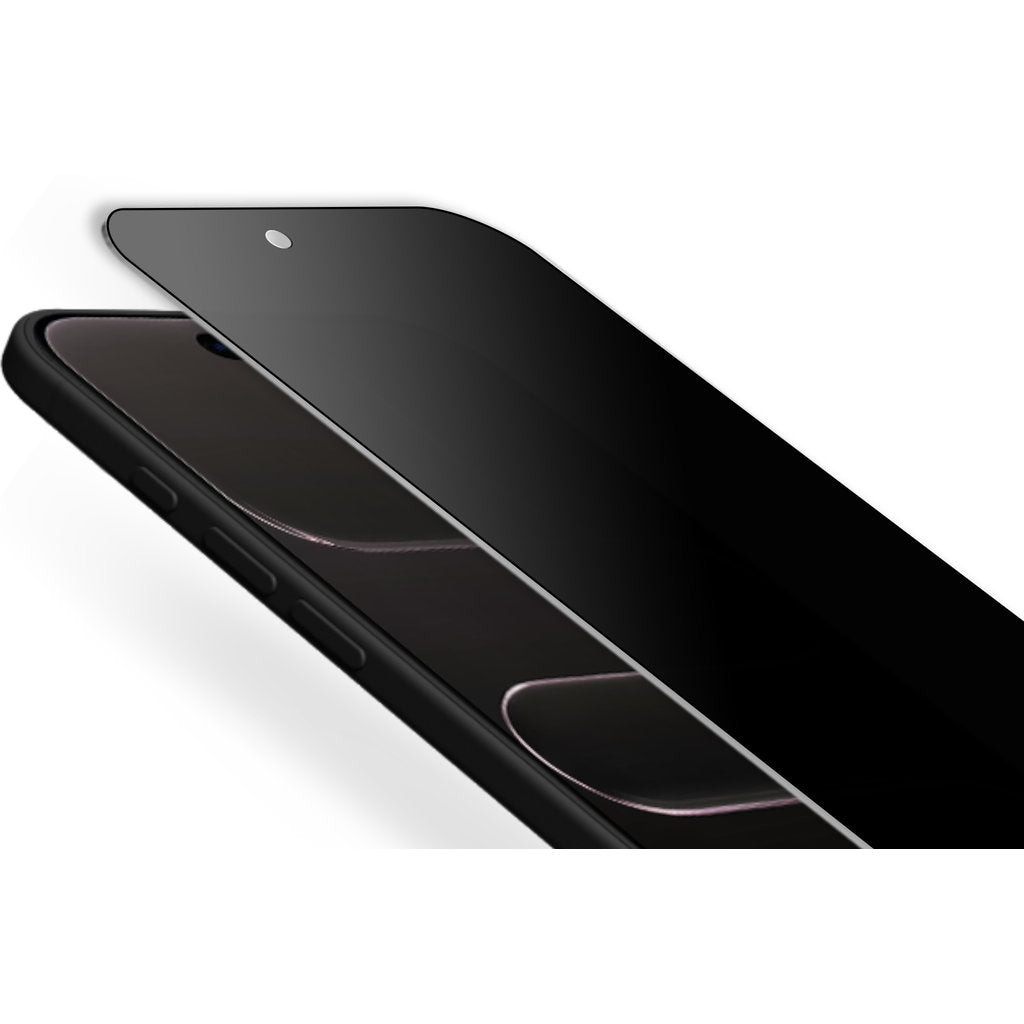
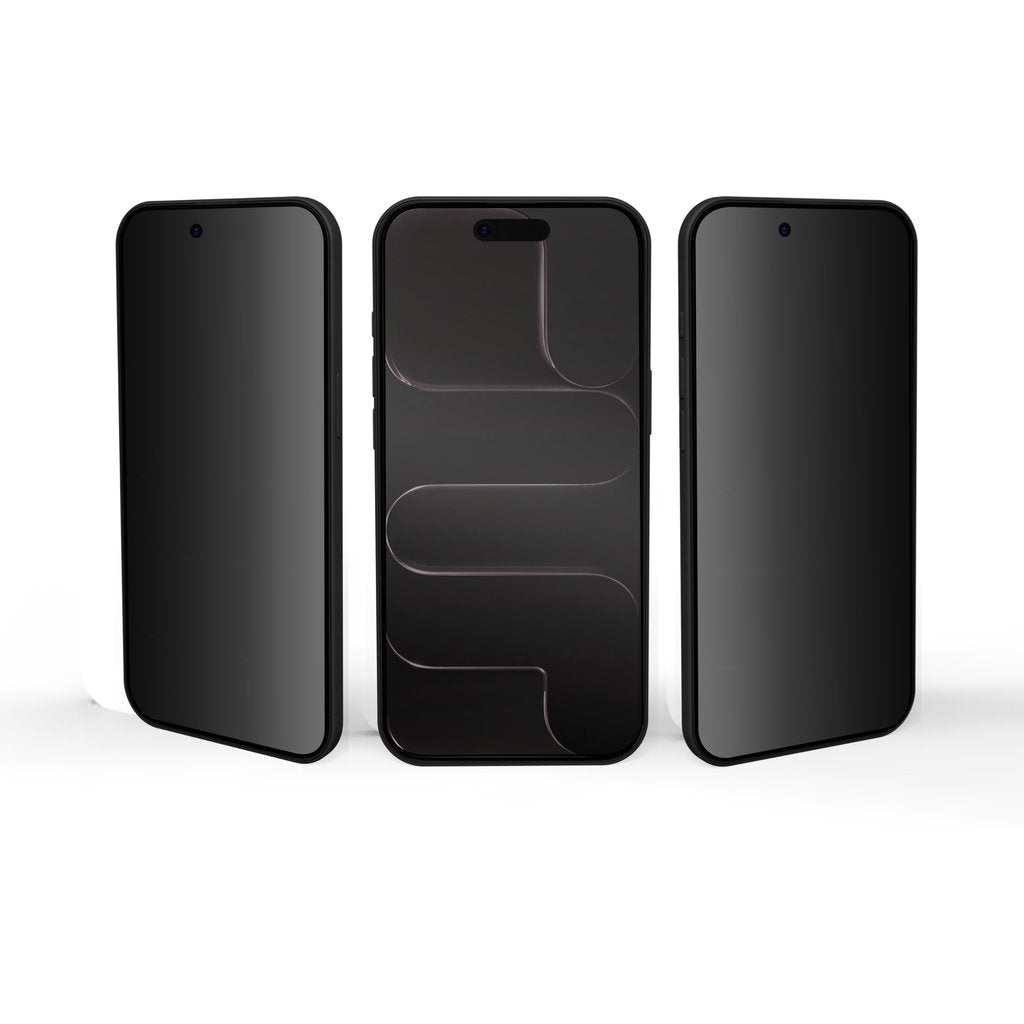
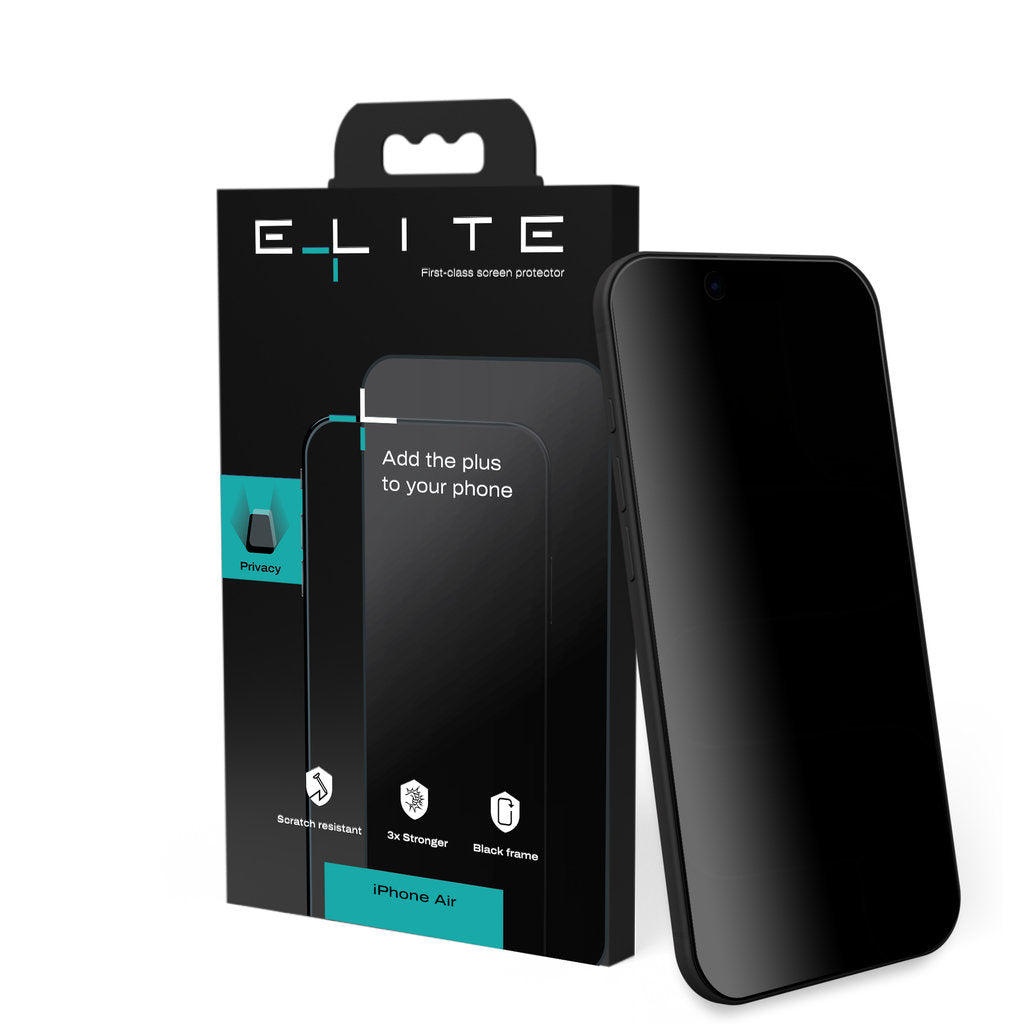
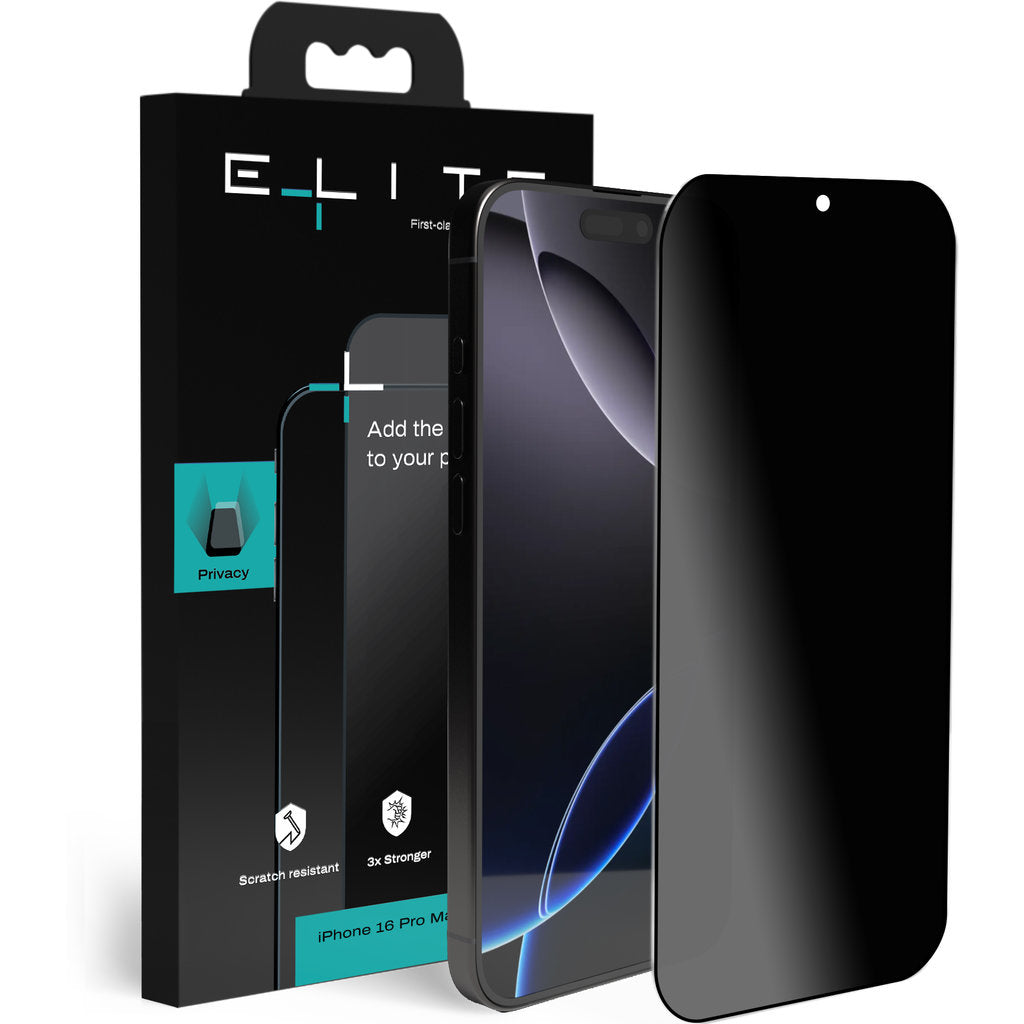
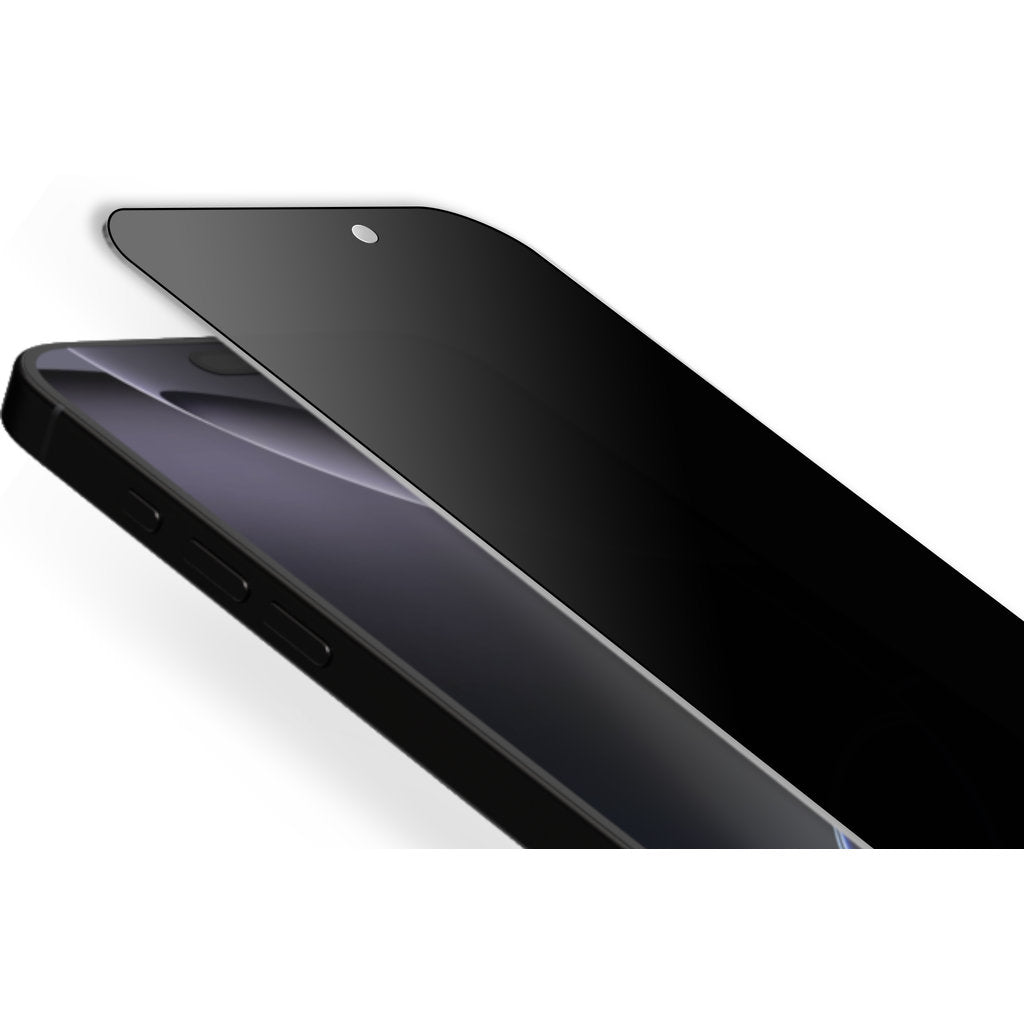
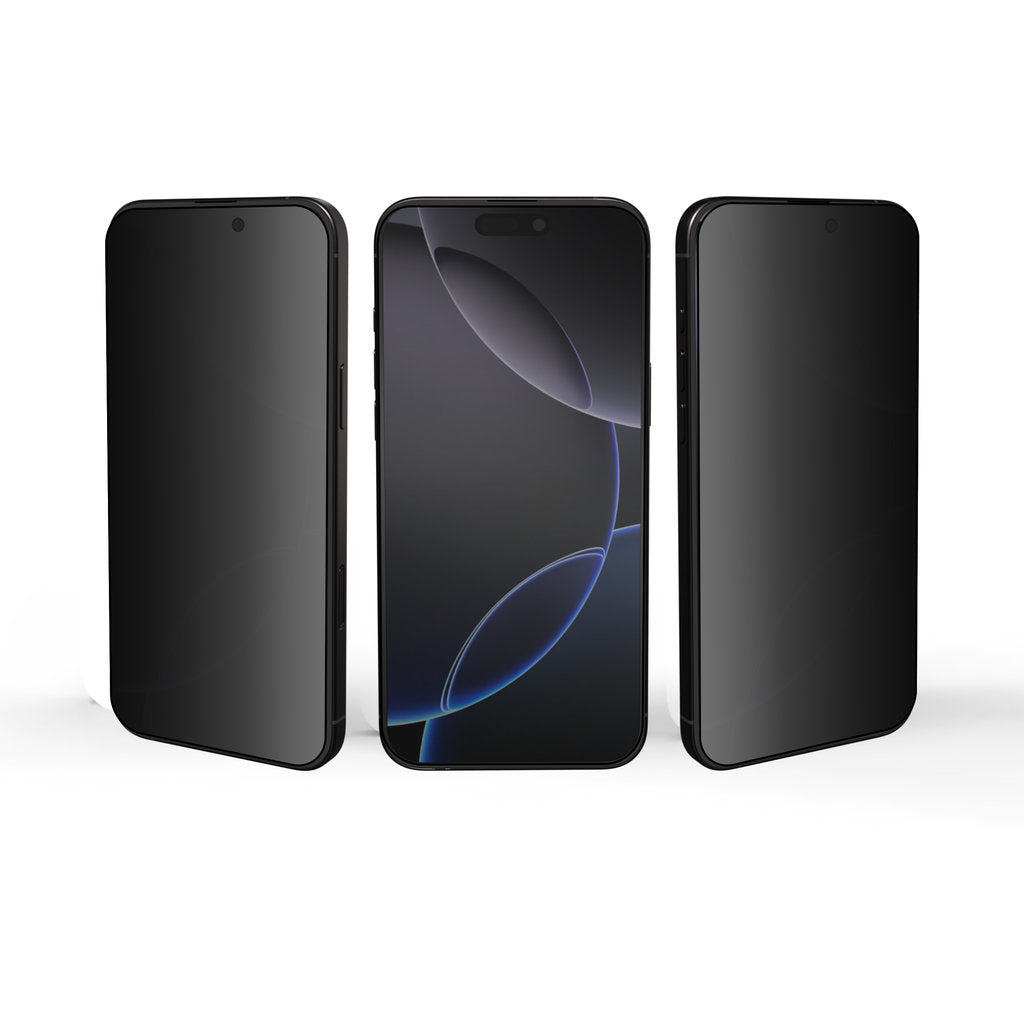
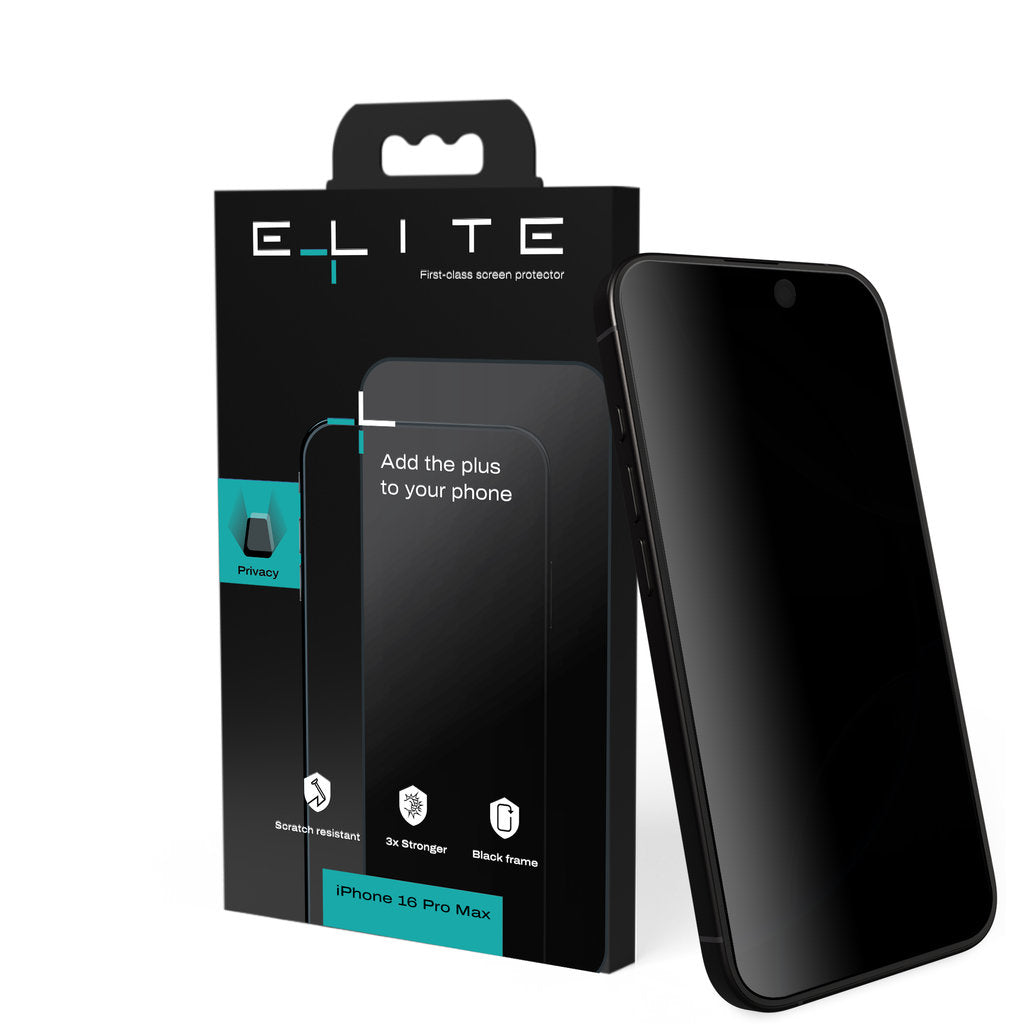
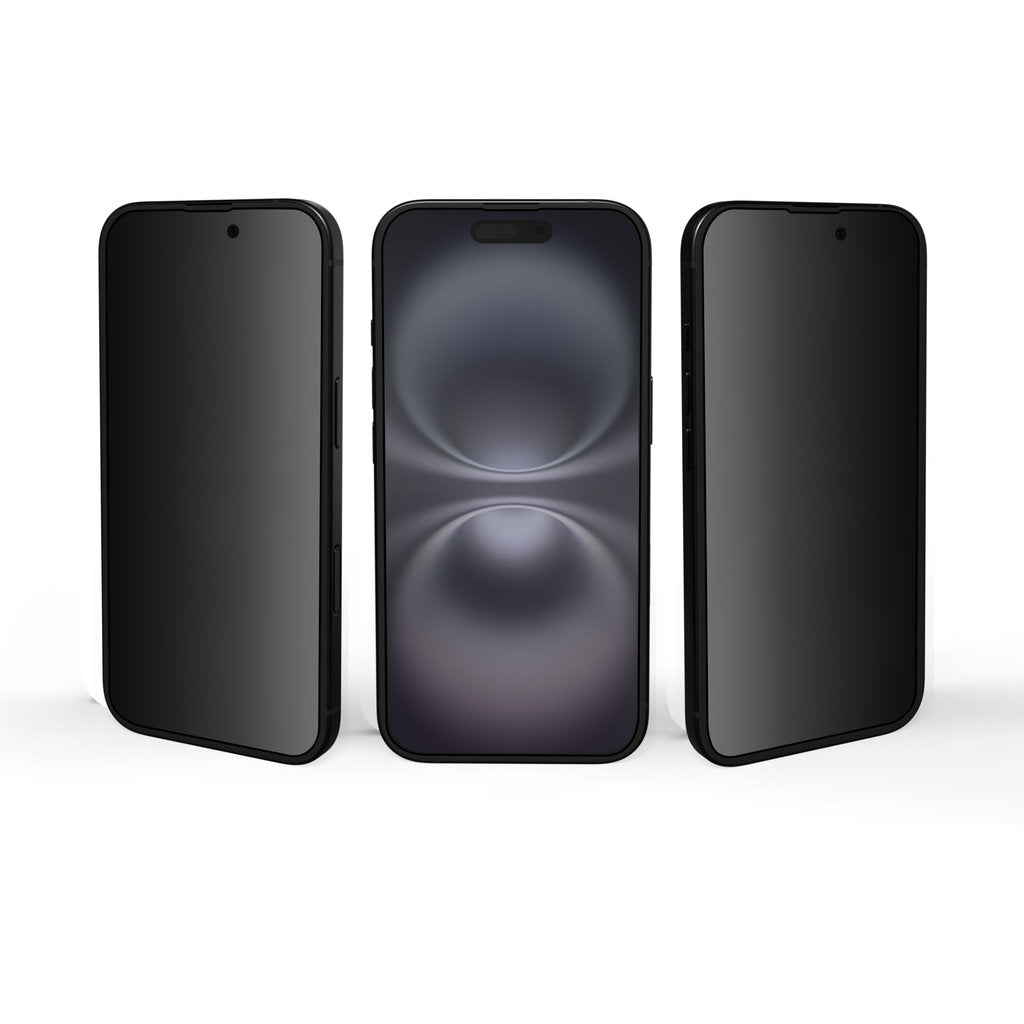
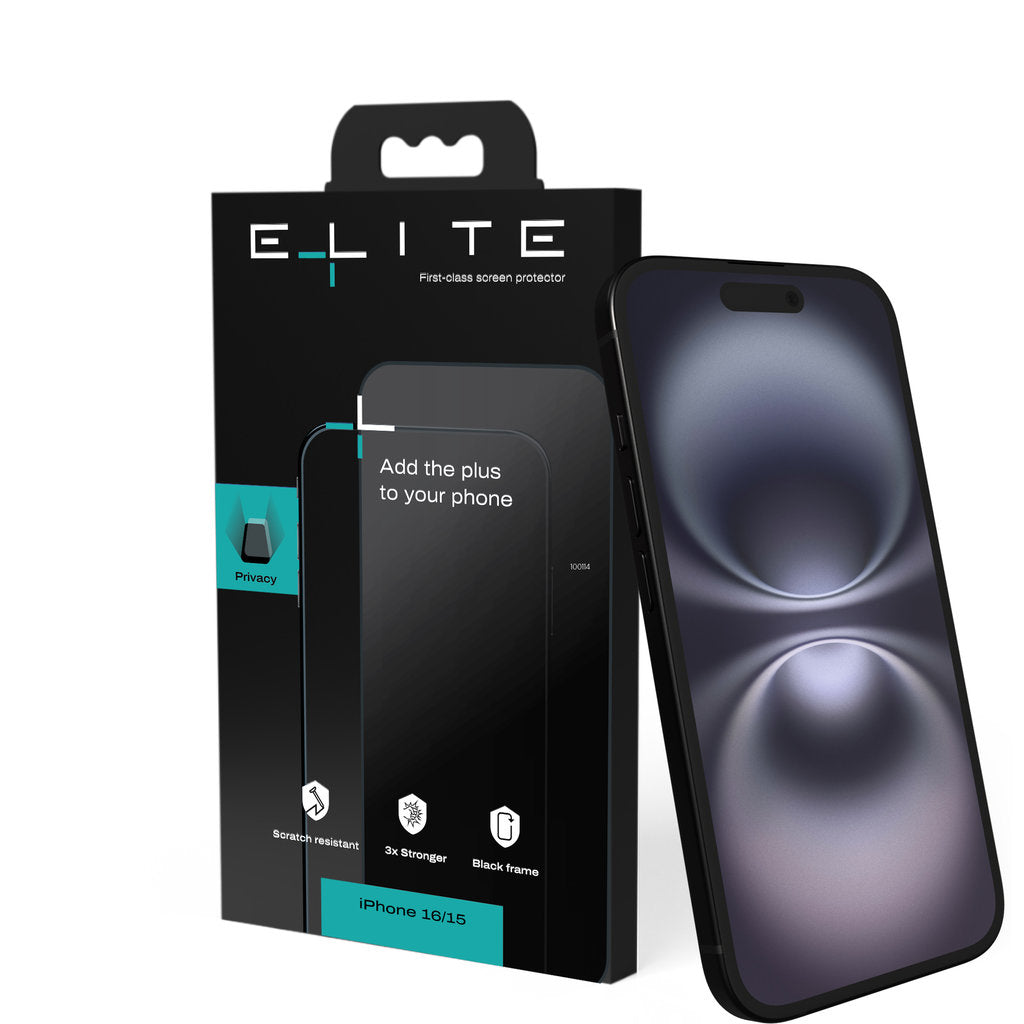
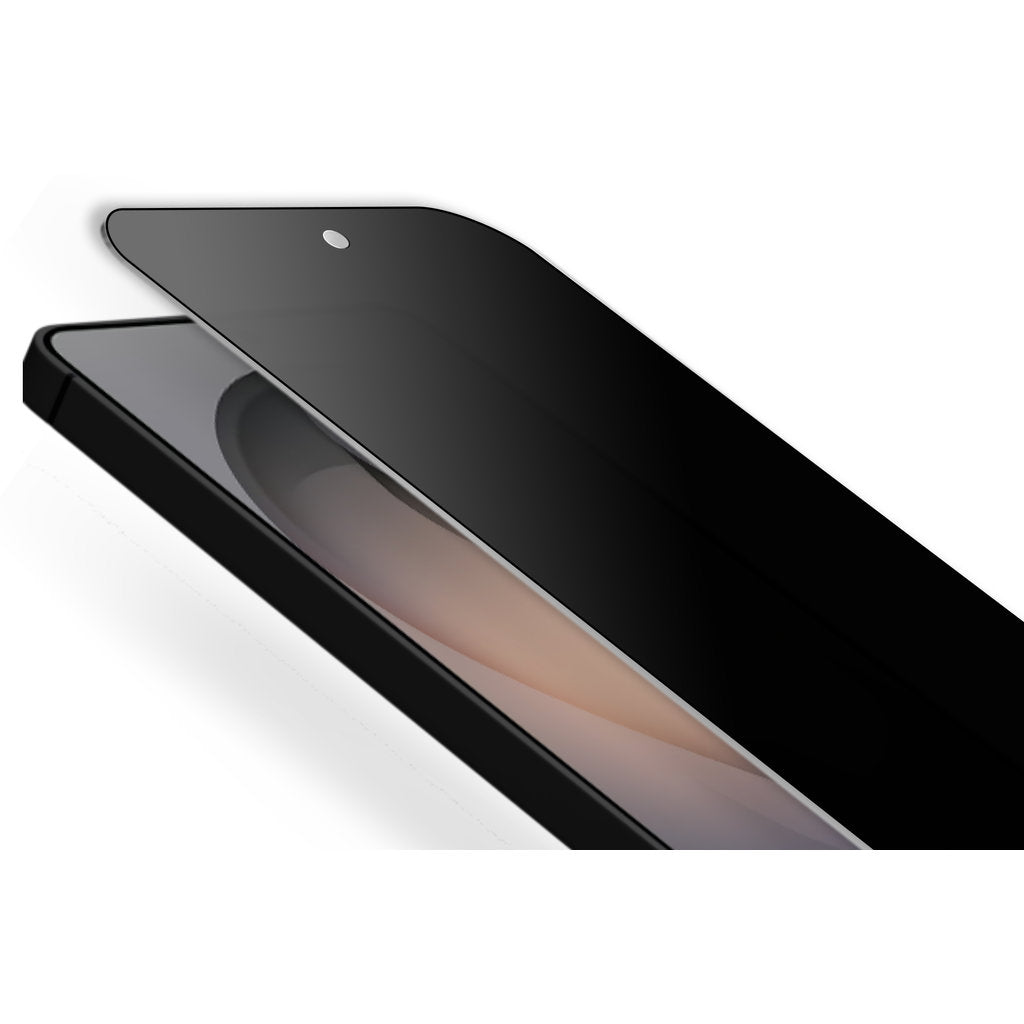
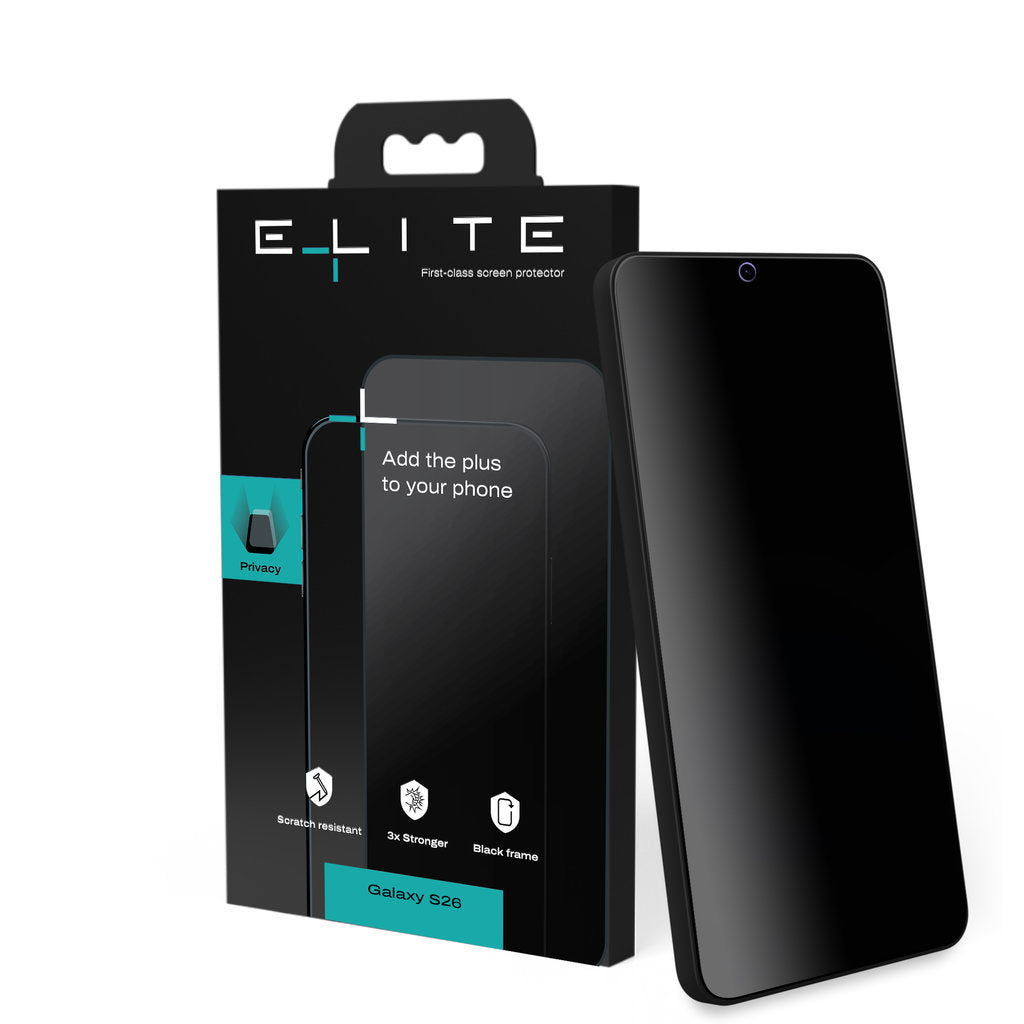
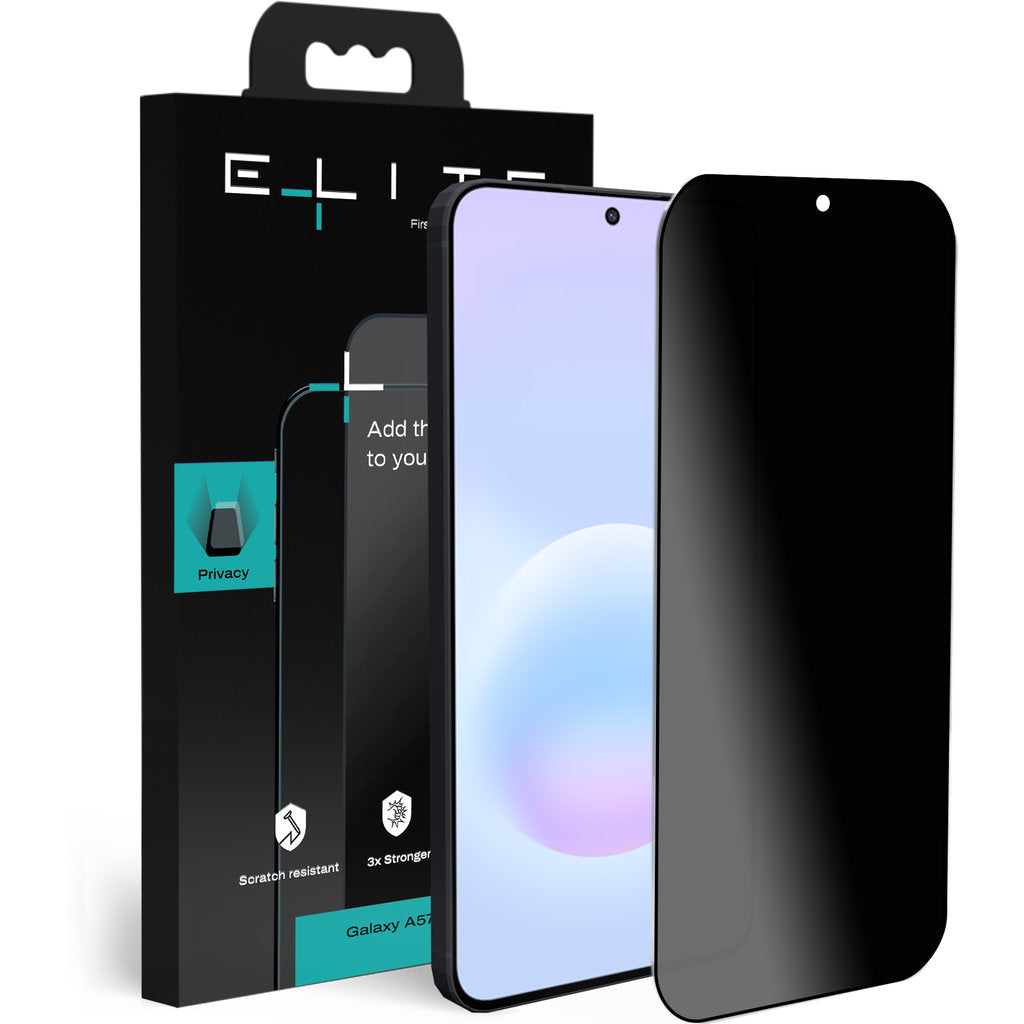
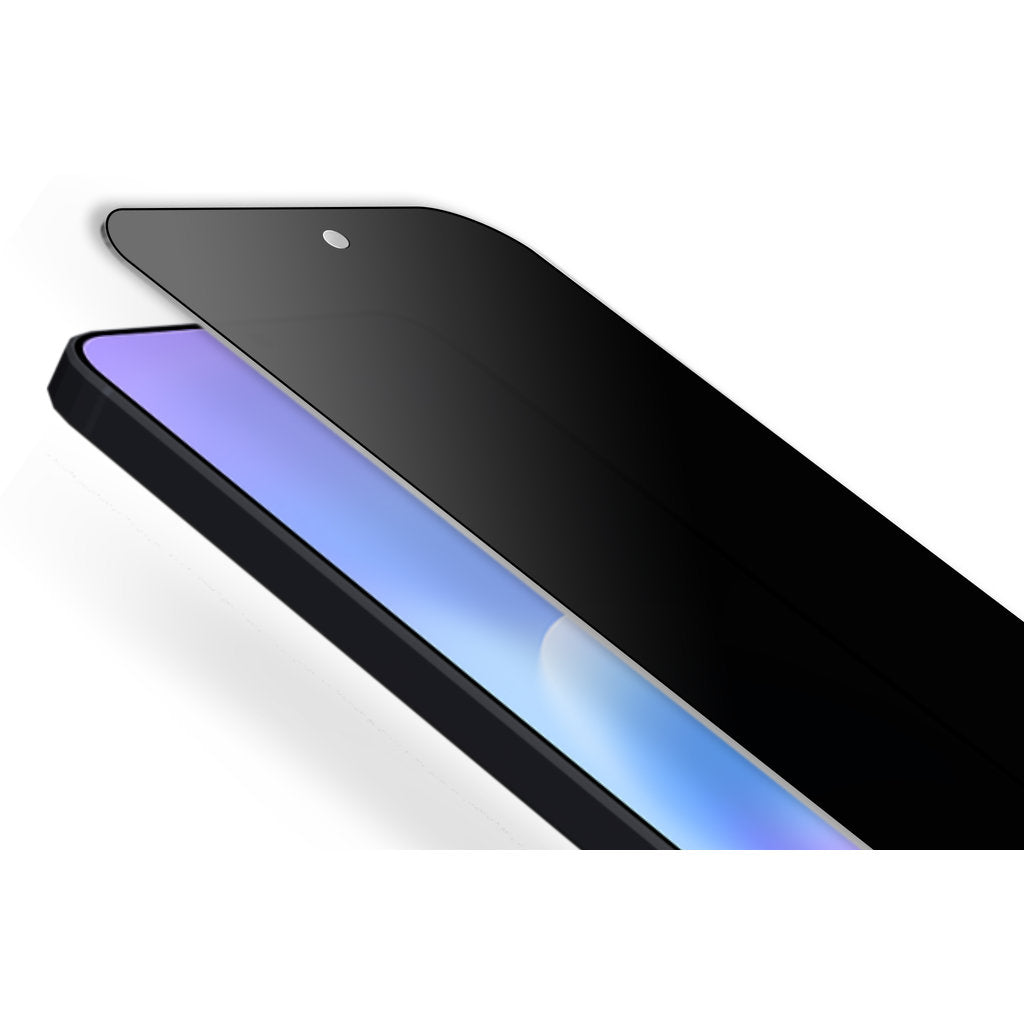
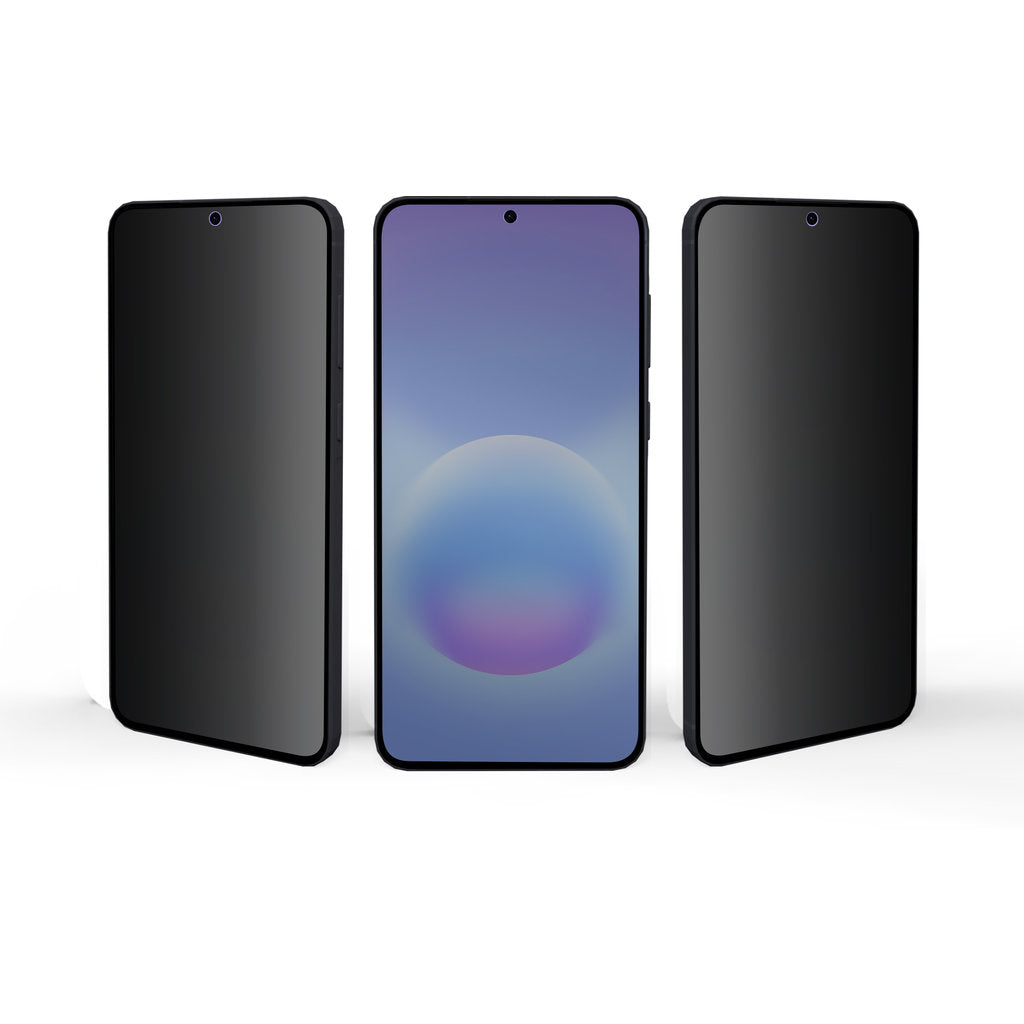
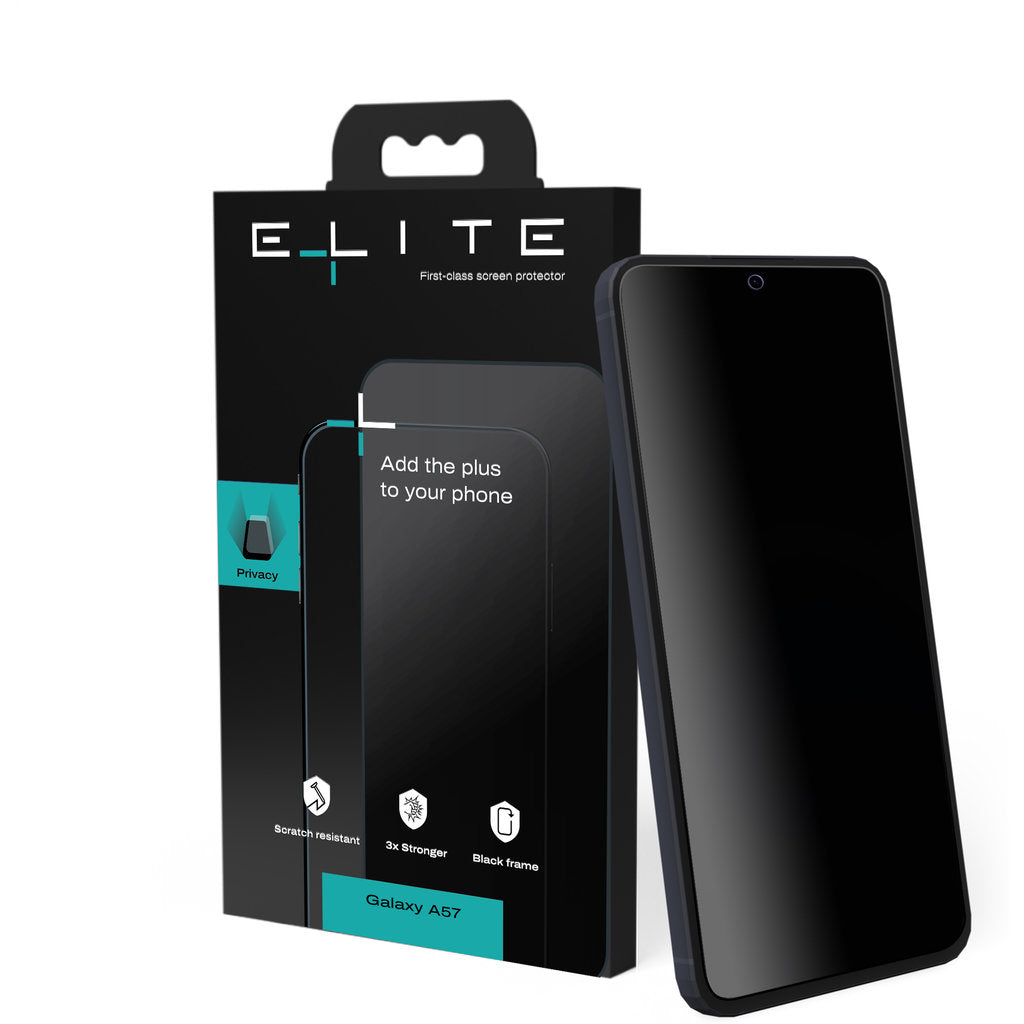
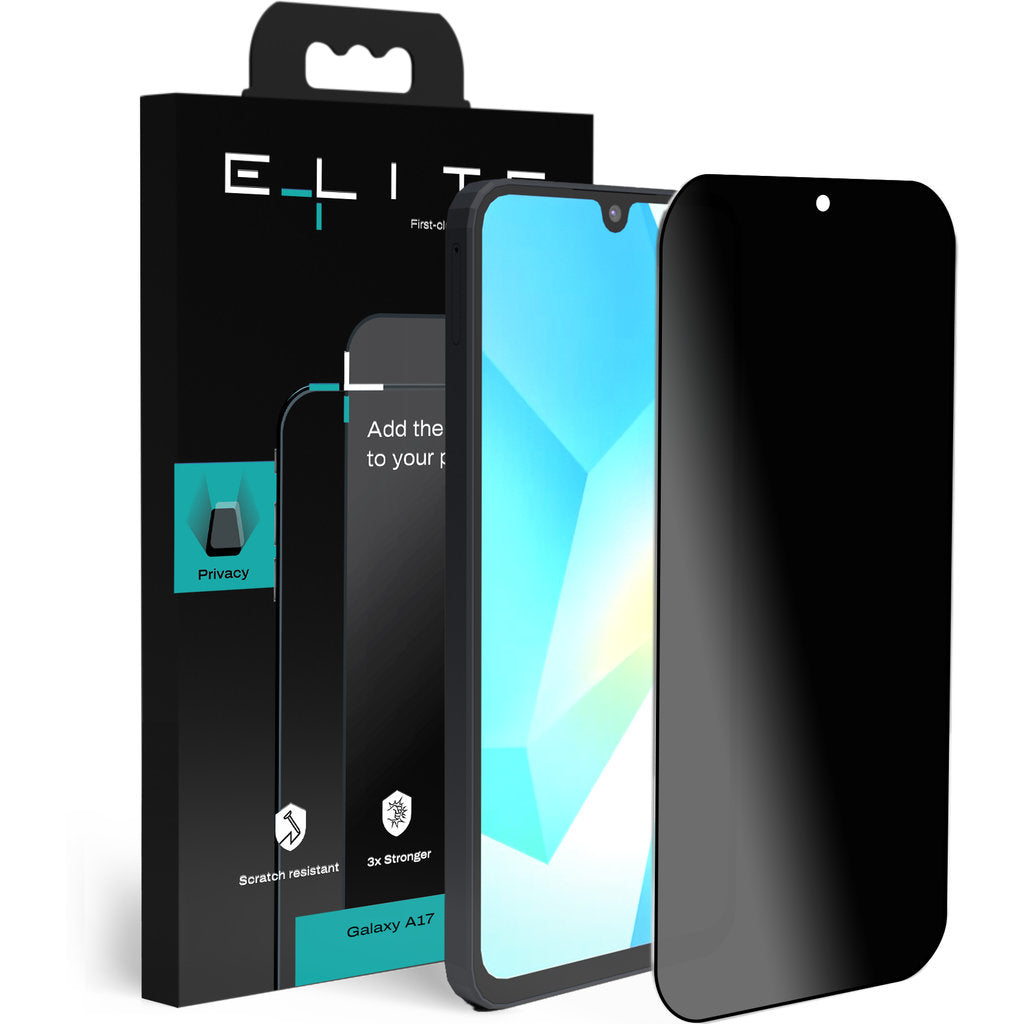
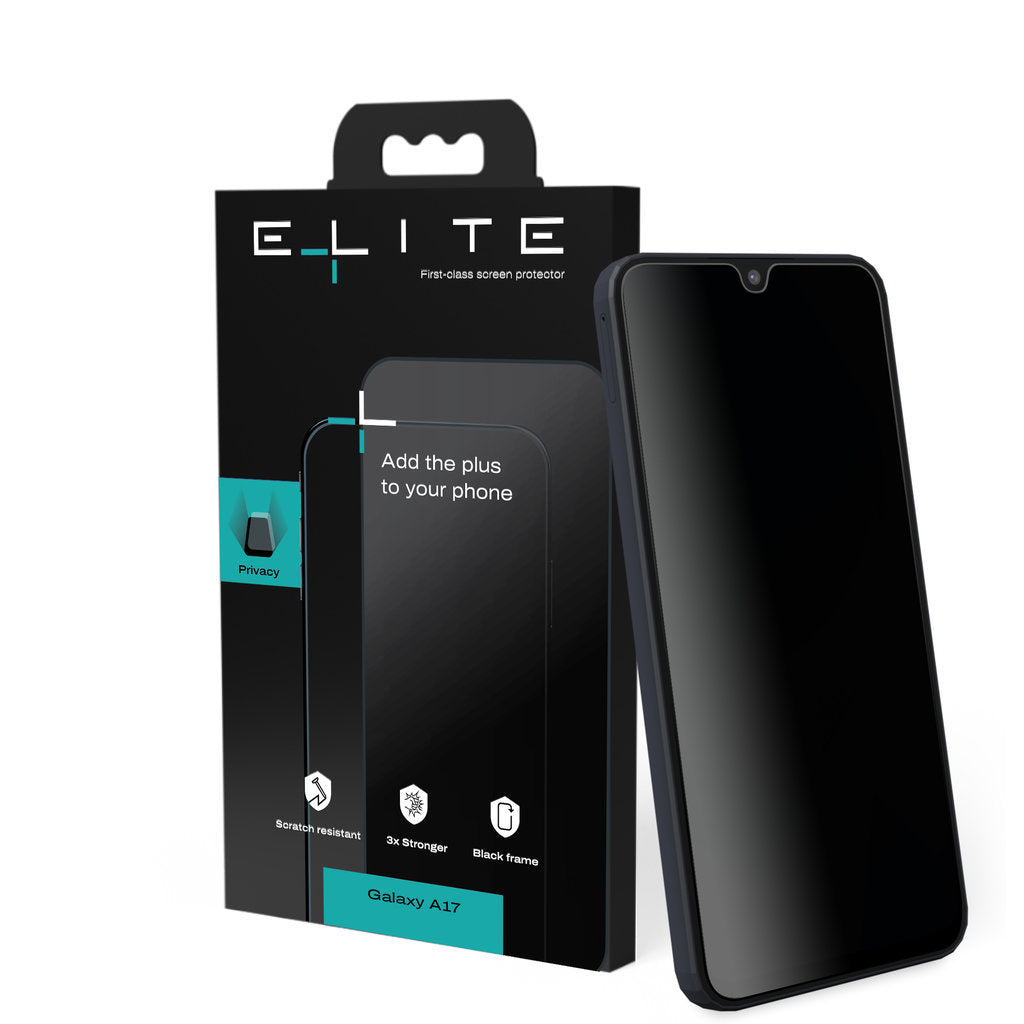
Straight on, you see everything sharply; from the side, others see a black screen. ELITE Privacy combines a privacy filter with the same triple-strengthened high-alumina glass as ELITE Clear.
Finish
CompareELITE Privacy screen protector
Down to the details.

Specifications
In figures.
| Material | High-alumina glass, tempered |
|---|---|
| Thickness | 0.33 mm |
| Hardness | 9H |
| Strength | Triple Strong (Elite Force 3) |
| Drop protection | Up to 1.5 metres |
| Privacy | From a 30° viewing angle |
| Finish | Privacy filter |
| Coverage | Edge to edge, black frame |
| Coating | Electro-plating |
In the box
| ELITE screen protector |
| Cleaning wipe (wet) |
| Microfibre cloth |
| Dust removal sticker |
| QR code to the installation video |
Installation
Fitted perfectly,
in a few minutes.

- Watch the videoScan the QR code on the packaging, so you know exactly what to do before you start.
- Clean your screenWith the wet wipe, then dry with the microfibre cloth.
- Remove the last dustWith the dust removal sticker, just before you place the glass.
- Place and smooth downAlign the glass, lay it down and smooth it from the centre towards the edges.
- Clean the cameraWith the cleaning wipe, then dry with the microfibre cloth. No dust on the lenses.
- Place the applicator on the cameraThe precision applicator fits over the camera unit, with each lens protector right above its lens.
- Press downPress each lens protector down firmly and carefully remove the applicator.
- Clean the cameraWith the cleaning wipe, then dry with the microfibre cloth. No dust on the lenses.
- Align the frameHold the frame by its edges and place it straight over the entire camera unit.
- Press down firmlySmooth from the centre towards the edges, so the glass adheres well everywhere.
Questions
Good to know.
Which ELITE suits me?
Clear keeps the original colours of your screen and is the strongest. Matte takes away reflections and fingerprints. Privacy shields your screen from whoever sits next to you.
What do Triple Strong and Double Strong mean?
Triple Strong (Elite Force 3) is three times stronger than standard screen protector glass, with drop protection up to 1.5 metres. That applies to Clear and Privacy. Matte is Double Strong (Elite Force 2): twice as strong as standard glass.
Does ELITE fit under my case?
Yes. ELITE is case-friendly: the glass leaves room for your phone case.
What's in the box?
Your ELITE screen protector, a wet cleaning wipe, a microfibre cloth and a dust removal sticker. The packaging has a QR code that takes you to the installation video.